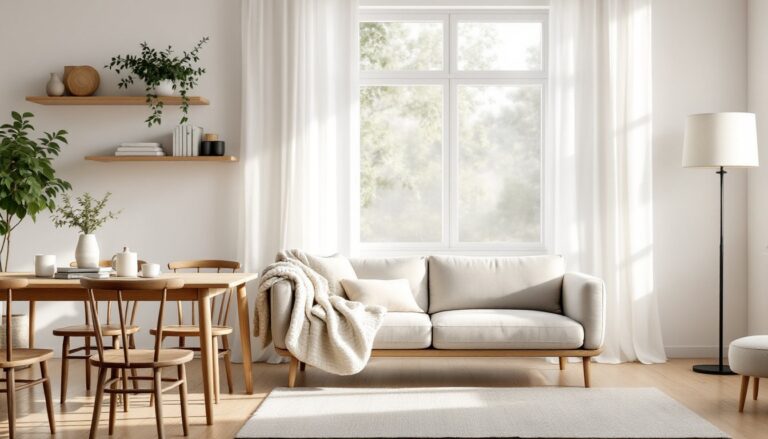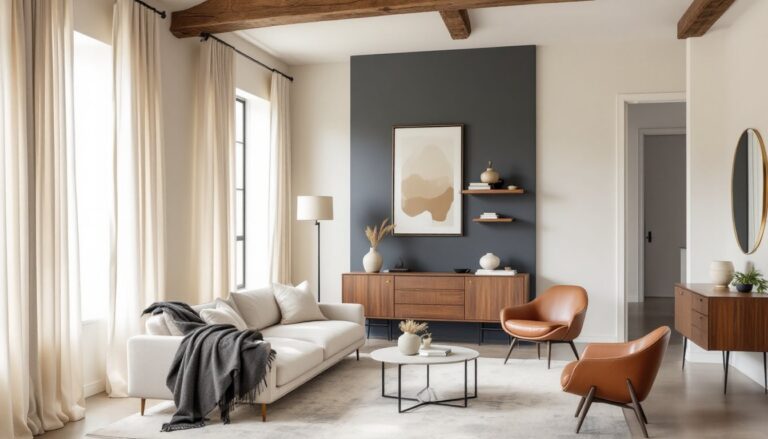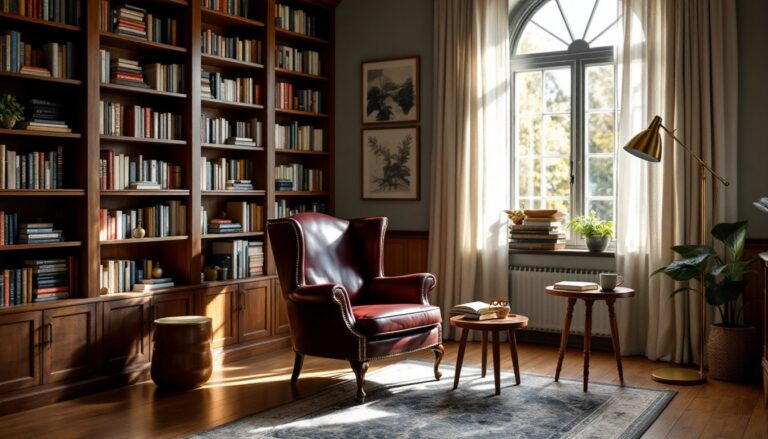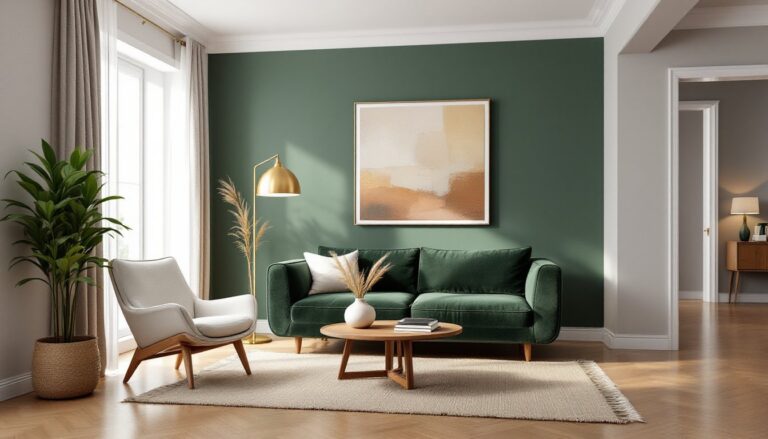

Interior design has always required a blend of creativity, spatial awareness, and the ability to visualize how materials, colors, and furniture work together. But in 2026, homeowners and DIYers are turning to an unexpected assistant: ChatGPT. This AI-powered conversational tool can brainstorm color schemes, suggest furniture layouts, and help refine design ideas, all through simple text prompts. While it won’t replace the eye of a trained designer or the hands-on work of renovation, it’s become a surprisingly useful planning companion for anyone tackling a room makeover, whether that’s a fresh coat of paint or a full-scale redesign.
Table of Contents
ToggleKey Takeaways
- ChatGPT for interior design accelerates the brainstorming process by generating color schemes, furniture layouts, and design ideas within seconds based on specific room details and constraints.
- Provide ChatGPT with exact room measurements, existing finishes, style preferences, and budget constraints to receive tailored suggestions that are actionable and aligned with your space.
- Use ChatGPT as a planning companion to validate recommendations against actual products, physical samples, and real measurements—always cross-reference AI suggestions before making purchases.
- ChatGPT cannot create floor plans, renderings, assess load-bearing walls, or access real-time inventory, so pair it with visualization tools and professional consultation for structural or code-related decisions.
- The most effective ChatGPT interior design workflow involves gathering room details, defining clear goals, drafting detailed prompts, refining suggestions through follow-up questions, and validating recommendations with hands-on prep work and quality materials.
What Is ChatGPT and How Does It Apply to Interior Design?
ChatGPT is a large language model developed by OpenAI that generates human-like text responses based on prompts. It’s trained on a vast dataset that includes design principles, architectural terminology, color theory, and spatial planning concepts. When applied to interior design, it functions as a conversational brainstorming partner.
Users can describe a room’s dimensions, existing features, style preferences, and budget constraints, then ask ChatGPT to generate ideas. For example, a homeowner might input: “I have a 12×15-foot living room with north-facing windows, hardwood floors, and a gray sectional. I want a mid-century modern vibe with warm tones.” ChatGPT can respond with color palette suggestions, accent furniture recommendations, lighting ideas, and even rug size guidelines.
It’s important to understand what ChatGPT isn’t: it can’t measure your room, draft scaled floor plans, or generate photorealistic renderings. It doesn’t have access to real-time product inventory or pricing (unless integrated with specific plugins or tools). It also lacks the ability to assess structural considerations, if you’re removing a wall or installing built-ins, you’ll still need to verify load-bearing status and consult local building codes (typically governed by the International Residential Code or local amendments).
What it does offer is speed and iteration. Unlike scrolling endlessly through design inspiration platforms, ChatGPT can tailor ideas to your specific parameters in seconds. Many homeowners treat it as a sounding board, refining ideas through back-and-forth dialogue before committing to paint samples or furniture orders.
Top Ways to Use ChatGPT for Interior Design Projects
Generating Color Palette and Material Suggestions
One of ChatGPT’s strongest applications is color coordination. Describe your room’s lighting conditions, existing finishes, and desired mood, and it can suggest cohesive palettes.
For instance, you might ask: “What paint colors work with white oak flooring and brushed nickel fixtures in a bathroom with limited natural light?” ChatGPT can recommend warm neutrals like Agreeable Gray (Sherwin-Williams) or Revere Pewter (Benjamin Moore), explain why cooler tones might feel sterile in low light, and suggest accent colors for towels or tile.
It can also guide material pairings. If you’re choosing backsplash tile for a kitchen, describe your countertop material (e.g., Carrara marble or quartz with gray veining) and cabinetry finish, and ask for tile options. ChatGPT might suggest subway tile in a herringbone pattern, hexagonal mosaics, or even a contrasting slab-style porcelain, with reasoning about visual weight and grout maintenance.
Tip: Always order physical samples. Screen colors and lighting conditions in your home will affect how materials actually look. ChatGPT can narrow choices, but your eyes make the final call.
Creating Room Layout and Furniture Arrangement Ideas
ChatGPT can help solve spatial puzzles, especially in awkward or multi-functional rooms. Provide dimensions (measure wall-to-wall, noting door swings, windows, and outlets), and describe how you use the space.
Example prompt: “I have a 10×12-foot bedroom with a door on the short wall and a window centered on the long wall. I need a queen bed, a small desk, and a dresser. How should I arrange them?”
ChatGPT might suggest placing the queen bed (60×80 inches, though headboards and frames add depth) opposite the door with the headboard against the window wall, the desk along one side wall to maximize natural light, and the dresser on the opposite wall. It can also flag potential issues, like blocking HVAC vents or creating cramped walkways (minimum 24–36 inches of clearance is standard for comfortable passage).
For open-concept spaces, it can propose furniture groupings to define zones without walls: a sofa and rug to anchor a living area, a console table as a visual divider, or pendant lights over a dining table to create a separate “room” within the larger space. When planning layouts for spaces requiring industrial interior touches or modern art deco elements, ChatGPT can integrate style-specific furniture and fixture ideas into functional arrangements.
Step-by-Step Guide: Using ChatGPT to Plan Your Room Makeover
Here’s a practical workflow for using ChatGPT to plan a design project, from concept to execution:
1. Gather Room Details
Measure the room’s length, width, and ceiling height. Note locations of doors, windows, outlets, switches, and built-ins. Photograph existing finishes (flooring, trim, fixed cabinetry) and any furniture you’re keeping.
2. Define Your Goals and Constraints
Be specific. Instead of “I want a cozy living room,” try: “I want a living room that feels cozy for movie nights, seats five people, and works with my existing brick fireplace and oak floors. Budget is $2,000, excluding labor.”
3. Draft Your Prompt
Include dimensions, existing features, style preferences, functional needs, and budget. The more detail, the better the output. For example:
“I’m redesigning a 14×18-foot living room with 8-foot ceilings, two windows on the south wall, and a wood-burning fireplace on the east wall. Floors are red oak. I like transitional style, neutral tones with blue accents, and need seating for four adults. Budget is $3,000 for furniture and decor. What should I buy and where should I place it?”
4. Review and Refine
ChatGPT will generate suggestions. Read critically. If it recommends a 96-inch sectional but your room has only 168 inches of usable wall space (14 feet minus door clearance), ask it to revise for a smaller sofa or loveseat pairing.
Ask follow-up questions: “What rug size works under this layout?” or “Should I use semi-gloss or satin for trim paint?”
5. Validate Recommendations
Cross-reference suggestions with actual products and measurements. If ChatGPT says “add a 60-inch console table,” measure your wall to confirm fit and check that it doesn’t block outlets or heat registers.
For paint, note that one gallon typically covers 350–400 square feet with one coat (less on textured or porous surfaces). If you’re painting a 12×12-foot room with 8-foot ceilings, that’s roughly 384 square feet of wall area (minus windows and doors), plan for two coats and at least two gallons.
6. Create a Shopping and Action List
Compile ChatGPT’s suggestions into a prioritized list: paint and prep supplies first, then larger furniture, finally accessories. For major purchases, visit showrooms to test comfort and see finishes in person.
Some small-space design challenges require creative solutions, and platforms like Houzz host discussions where users share how ChatGPT helped them tackle tricky layouts or style decisions.
7. Execute and Iterate
Start with prep work, patching holes, sanding, priming. Most DIY design failures stem from rushed prep. Allow time for paint to cure (24 hours between coats for latex, longer in humid conditions) and for new furniture to off-gas if needed.
Once the room is assembled, step back. If something feels off, describe the issue to ChatGPT and ask for tweaks (swapping pillow colors, adjusting lighting, etc.).
Limitations of ChatGPT for Interior Design (And How to Work Around Them)
ChatGPT is a powerful idea generator, but it has real limits. Understanding them helps you use it effectively without frustration.
No Visual Output
ChatGPT can’t create floor plans, 3D renderings, or mood boards. For visual planning, pair it with tools like SketchUp (free version available), RoomSketcher, or even graph paper and a pencil. Use ChatGPT to generate the concept, then visualize it yourself.
Alternatively, screenshot ChatGPT’s layout suggestions and recreate them in a free online room planner, adjusting for real-world proportions.
No Real-Time Product Data
ChatGPT can’t browse current inventory, compare prices, or link to specific SKUs. It might suggest “a mid-century credenza in walnut, around 60 inches wide,” but you’ll need to search retailers yourself.
To work around this, use ChatGPT to define product specs and style descriptors, then search Homedit or Decoist for curated product ideas matching those criteria. Filter by your budget and availability.
Limited Understanding of Structural and Code Issues
ChatGPT can’t assess whether a wall is load-bearing, calculate joist spans, or determine if your remodel requires a permit. If your design involves removing walls, adding built-ins that penetrate framing, or relocating plumbing/electrical, consult a licensed contractor or structural engineer.
Most jurisdictions require permits for structural changes, electrical work beyond replacing fixtures, and plumbing alterations. ChatGPT can suggest ideas, but it won’t tell you when to call the building department.
Generic Aesthetic Advice
Without seeing your space, ChatGPT’s suggestions can feel generic. Combat this by providing hyper-specific details: exact paint colors you’re considering, links to furniture you already own (describe style and dimensions), or the specific “vibe” you’re after (e.g., “Scandinavian but not sterile” vs. just “modern”).
Many DIYers find that understanding the differences in interior architecture vs interior design helps them frame better questions and get more useful answers from AI tools.
Safety and PPE Reminders
ChatGPT won’t always flag safety steps. If it suggests painting a ceiling, remember to wear safety goggles (drips happen) and ensure proper ventilation. If sanding furniture or drywall, use a dust mask rated N95 or better. For power tool use, ear protection is essential (prolonged exposure above 85 decibels causes hearing damage).
Always assume ChatGPT’s instructions need a safety review. Cross-check with manufacturer guidelines and best practices.
Conclusion
ChatGPT won’t replace the trained eye of a professional designer or the hands-on work of renovation, but it’s a capable planning partner for DIYers willing to ask specific questions and validate recommendations. Use it to brainstorm, refine ideas, and solve spatial puzzles, then bring those concepts to life with careful measurements, quality materials, and solid prep work. For more inspiration and practical guides, explore the interior design archives to see how others are tackling similar projects.